Keep Sheet Music and Practice Sources in Tempo Kit Presets
A Tempo Kit 2.0 preset can hold a score and the other sources you need for a piece alongside your practice settings. A name is the only required field, so the setup can be as simple or complete as you need.
3 min read
Keep the Score with the Setup
Attach sheet music as a link or local file and choose the page where it opens. Add alternate scores, tabs, lesson videos, or backing tracks as extra sources, then open those sources from the preset instead of hunting through bookmarks before every session.
A preset can also remember the metronome, video, notes, tuner, and drone parts of your setup. Those parts are optional. A score-only preset makes sense when you just want a reliable door into the music; a fuller preset helps when you return to the same exercise often.
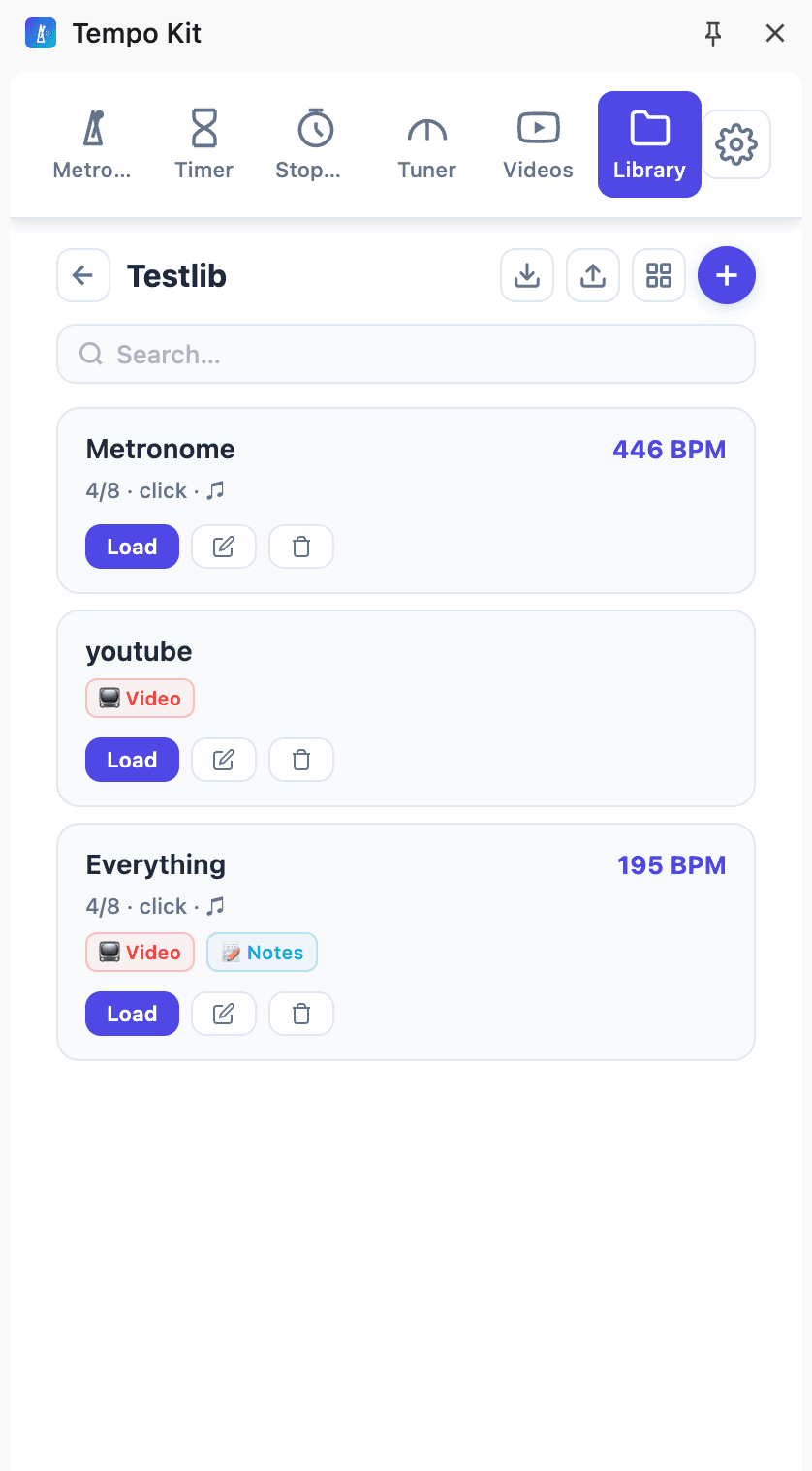
- Name the piece or drill: Use a label you will recognize in Libraries.
- Add the score: Choose a link or local file and where it should open.
- Add supporting sources: Keep the lesson, tab, or backing track with the same preset.
- Load it next time: Reopen the preset and start from the setup you saved.
Free and Pro
Free includes up to three presets and three extra sources per preset. Pro adds unlimited presets, folders, and extra sources. Video practice controls still require Pro even if a video link is stored in a preset.
Or skip the setup and practice in one panel
Tempo Kit puts the metronome, tuner, drone, timer, and the video controls in a single browser side panel beside whatever you're learning, and logs the session for you while you play. Free core tools, no account.
Keep reading
Free Online Metronome for Music Practice
A metronome you can use on this page right now, plus what to look for in one (subdivisions, accents, tempo ramps) and why a browser tab is a bad place to keep it.
Browser Guitar Tuner: Setup and Troubleshooting
How browser tuners work, why yours reads the wrong string, and what to do when the note is right but the chord still sounds wrong.
How to Read a Tuner: Which Way to Turn
The number, the needle, and the note name: what each one is telling you, and how to know whether you are sharp or flat without guessing.
Metronome BPM Chart: Tempo Markings Explained
Largo to prestissimo with real BPM ranges, the modifiers that bend them, and a metronome on the page so you can hear any tempo you just read about.
Tempo Kit 2.0: Custom Dashboards, Widgets, Pomodoro & Full-Screen Practice
Build your own practice workspace in the side panel or Dashboard. Arrange 22 widgets, create pages for different routines, count reps, run focus cycles, and give individual tools the whole screen.
Camera Recordings in Tempo Kit 2.0: Review and Keep Your Takes
Record a camera take, play it back, download it, and keep useful recordings with your practice.